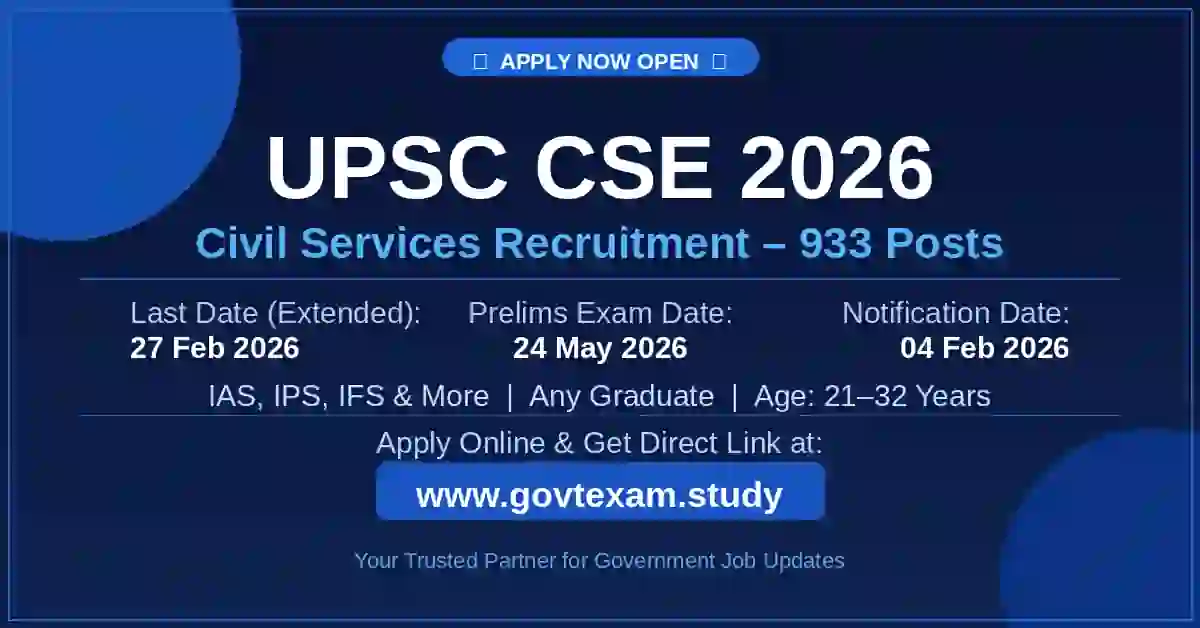
UPSC Civil Services 2026 Correction Window Open: Edit IAS, IPS Form at upsconline.nic.in
Short Information: The Union Public Service Commission (UPSC) has officially activated the UPSC Civil Services 2026 Correction Window from today, 27 February 2026. Candidates who made mistakes in their IAS, IPS, or IFS Application Form can now edit their details until 03 March 2026. You can easily update your Universal Registration Number (URN) and Common Application Form (CAF) details. For the latest updates on Admit Cards and Exam Results, always visit www.govtexam.study. We provide direct links to the official upsconline.nic.in portal for a hassle-free experience.
UPSC CSE (IAS/IPS) 2026 Application Form Correction Window Last Date Today
🏛️ UPSC IAS, IPS, IFS, IRS Recruitment 2026Group-A/B Services | 933 Vacancies | Online Application Only |
||
|---|---|---|
📅 Important Dates |
||
| Notification Release Date | 04 February 2026 | |
| Online Application End Date (Extended) | 27 February 2026 (06:00 PM) | |
| Correction Window Open | 27 February 2026 to 03 March 2026 | |
| UPSC Prelims Exam Date | 24 May 2026 | |
| Admit Card Release | Last working day of the week before exam | |
| Admit Card & Result Updates | www.govtexam.study | |
💰 Application Fee |
||
| General / OBC / EWS (Male) | ₹ 100/- (Prelims) + ₹ 200/- (Mains, if qualified) | |
| SC / ST / PwBD / Female (All Categories) | Fully Exempted (No Fee) | |
| Payment Mode: Net Banking, Credit/Debit Card, UPI, or Cash deposit at SBI branches. | ||
👤 Age Limit (as on 01/08/2026) |
||
| Minimum Age | 21 Years (born not later than 1st August 2005) | |
| Maximum Age | 32 Years (born not earlier than 2nd August 1994) | |
| Age Relaxation: SC/ST: +5 Years | OBC: +3 Years | PwBD: +10 Years | Ex-Servicemen: +5 Years (as per rules) | ||
📊 Vacancy & Attempts |
||
| Total Vacancies | 933 Posts (Incl. 33 PwBD reserved seats) |
Attempts Allowed |
| Services Included: IAS, IPS, IFS, IRS (IT & C&IT), IAAS, ICAS, ICLS, IDAS, IDES, IIS, IPoS, IP&TAFS, IRMS (Traffic/ Personnel/Accounts), IRPFS, ITS, AFHQ (Group B), DANICS, DANIPS, PONDICS, PONDIPS (Group B) |
Any Graduate Degree (Any stream from recognized university) |
Gen/EWS: 6 | OBC: 9 | SC/ST: Unlimited PwBD (Gen/EWS/OBC): 9 | PwBD (SC/ST): Unlimited |
💰 UPSC Civil Services Salary Structure (7th CPC) |
||
| Pay Level | Level 10 (as per 7th Pay Commission) | |
| Basic Pay (Entry Level) | ₹ 56,100/- per month | |
| Dearness Allowance (DA) | As per Government Rules (current applicable rates) | |
| House Rent Allowance (HRA) | 8% to 27% of Basic Pay (varies by city) | |
| Travel Allowance (TA) | Fixed Amount + DA on TA | |
| Approx. Gross Salary | ₹ 75,000 – ₹ 85,000/- per month (approximate) | |
⚙️ Selection Process |
||
| 1. Prelims (Screening): 2 Objective Papers — GS Paper I (200 marks) + CSAT Paper II (200 marks, qualifying, min 33%). Date: 24 May 2026. Prelims marks are NOT counted in final merit. 2. Mains (Written): 9 Papers — 2 Qualifying (Indian Language + English, 300 marks each) + 7 Merit Papers: Essay (250) + GS I/II/III/IV (250 each) + Optional Paper I & II (250 each) = 1750 marks. 3. Personality Test / Interview: 275 marks (no minimum qualifying marks). 📌 Grand Total: 2025 marks (Mains 1750 + Interview 275) |
||
📝 Step-by-Step Application Process |
||
| Step 01: Create URN | Go to upsconline.nic.in and register to get your Universal Registration Number (URN). This is a one-time lifetime registration. Keep your Matriculation Certificate and Aadhaar Card ready. Fill all details carefully. | |
| Step 02: Fill Common Application Form (CAF) | Log in with your URN and fill the CAF with your personal details, date of birth, category, and educational qualification. | |
| Step 03: Upload Photo, Live Photo & Signature | Upload your photo and capture a live photo on the portal. Sign three times on plain white paper with black ink and upload clearly. 📌 Resize your photo for free: Tools |
|
| Step 04: Fill Exam Module & Pay Fee | Select Civil Services (Preliminary) Examination 2026. Choose exam centre, optional subject and medium. Pay ₹100/- if applicable. SC/ST/Female/PwBD are fully exempted. | |
| Step 05: Final Submission | Review everything carefully and click 'Submit'. Download the confirmation page. No changes allowed after submission. | |
📸 Photo & Signature Requirements |
||
| • A live photo capture is mandatory on the portal during form filling. • Sign three times (one below the other) on plain white paper with black ink and upload clearly. • Image Size: 20 KB to 300 KB (JPG format). • 📌 Prepare your photo & documents for free: Free Usefull Tools |
||
🔗 Important Links |
||
| Correction Window Direct Link | Edit Your Application | |
| Apply Online – UPSC CSE 2026 | Start Online Application | |
| Official Notification PDF | Download Official PDF | |
| Prelims Syllabus & Exam Pattern | Check Full Syllabus | |
| Admit Card & Result Notifications | www.govtexam.study | |
| UPSC Official Website | upsc.gov.in | |
| 💡 Helpdesk: Call 011-24041001 (10 AM – 5:30 PM, working days) | Email: upscsoap@nic.in | ||

Disclaimer: Although every effort has been made to provide accurate information, we are not responsible for any inadvertent errors.
(उम्मीदवारों को सलाह दी जाती है कि आवेदन करने से पहले आधिकारिक अधिसूचना को ध्यान से पढ़ें।)