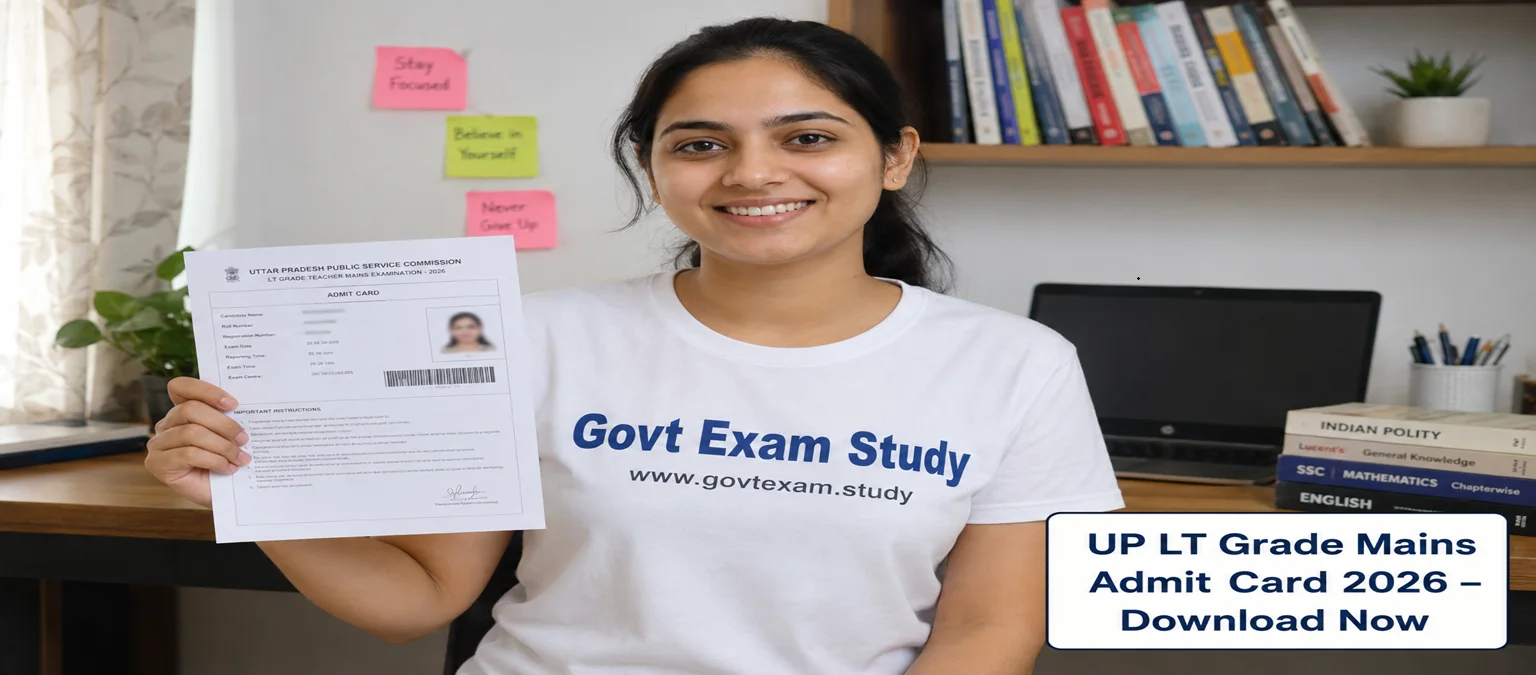
UP LT Grade Mains Admit Card 2026 Out – Direct Link to Download Hall Ticket PDF
Short Information: UPSESSB is recruiting eligible candidates for LT Grade Teacher posts in government intermediate colleges of Uttar Pradesh. This is a golden opportunity for teaching aspirants. The Mains Admit Card 2026 is now released. Candidates must download their hall ticket from the official website before the exam date. The selection will be based on the mains written exam followed by document verification. The salary is as per 7th Pay Commission. Total vacancies are around 8000+. Don't miss this chance to become a government teacher in UP.
How to Download UP LT Grade Mains Admit Card 2026 Step by Step
UP LT Grade Mains Admit Card 2026 - Overview
The Uttar Pradesh Madhyamik Shiksha Sewa Chayan Board (UPSESSB) has officially released the LT Grade Mains Admit Card 2026. This is a big update for all candidates who applied for the post of LT Grade Teacher in government intermediate colleges across Uttar Pradesh. The admit card is now live on the official website. You must download it before the exam day. Below is the complete overview in a simple table. Read every row carefully.
| Particular | Details |
|---|---|
| Organization Name | UPSESSB (Uttar Pradesh Madhyamik Shiksha Sewa Chayan Board) |
| Exam Name | LT Grade Mains Exam 2026 (Lecturer / Teacher Recruitment) |
| Post Name | LT Grade Teacher (Various Subjects) |
| Total Vacancies | Approx. 8,000+ (check notification for exact number) |
| Exam Type | State Level Mains Examination |
| Admit Card Status | Released – Available for download |
| Exam Mode | Offline (Pen & Paper / OMR based) |
| Exam Duration | 2 Hours 30 Minutes (150 minutes) |
| Selection Process | Mains Exam → Document Verification → Final Merit |
| Official Language | Hindi and English (bilingual question paper) |
| Official Site | https://uppsc.up.nic.in/ |
Important Dates
Mark these important dates in your calendar. Do not miss a single deadline.
| Event | Date |
|---|---|
| Notification Release Date | 15 January 2026 |
| Application Start Date | 20 January 2026 |
| Application End Date | 19 February 2026 |
| Admit Card Release Date | 28 May 2026 (Released) |
| Mains Exam Date | 15 June 2026 (tentative – recheck on admit card) |
| Answer Key Release Date | To be announced after exam |
Exam Center Instructions
You must follow these rules at the exam center. Entry will be denied if you miss anything.
-
Admit Card Printout (Mandatory): Carry a clear colour printout of your admit card on A4 size paper. No mobile or digital copy will be accepted inside the hall.
-
Valid Photo ID Proof (Original + Copy): Bring any one original government ID – Aadhar Card, Voter ID, PAN Card, Driving License, or Passport. Also carry a photocopy of the same ID.
-
Passport Size Photographs: Paste two same passport size photographs on the admit card (one on the admit card space, one extra for attendance sheet). These photos should match your application form.
-
No Electronic or Prohibited Items: Mobile phone, smartwatch, Bluetooth device, calculator, pen drive, or any other electronic gadget is strictly banned inside the exam centre.
-
Reporting Time: Reach the exam centre at least 1 hour before the exam starts. Latecomers may not be allowed.
How to Download UP LT Grade Mains Admit Card
Follow these simple steps to download your hall ticket. The process is very easy and works on both mobile and computer.
-
Step 1: Open the official website of UPSESSB. The direct link is given in the Important Links section below.
-
Step 2: On the homepage, find the "Download Admit Card" section. Look for a link that says – "LT Grade Mains Admit Card 2026" or "Hall Ticket 2026".
-
Step 3: Click on that link. A new login page will open.
-
Step 4: Enter your login credentials carefully –
→ Registration Number / Application Number
→ Date of Birth (DD/MM/YYYY) or Password (as per application)
→ Captcha Code (if asked) -
Step 5: Click on the "Submit" or "Login" button.
-
Step 6: Your admit card will appear on the screen. Check every detail – your name, photo, signature, father's name, exam date, exam centre address, and subject code.
-
Step 7: If you find any mistake (like wrong name or photo), immediately contact UPSESSB helpline or report at the exam centre before the exam.
-
Step 8: Click on the "Download" button. Save the PDF file to your phone or computer.
-
Step 9: Take at least two colour printouts of the admit card. Keep one as a backup.
Important Links
| Link Type | Direct Link |
|---|---|
| Download Admit Card Link | Click here to Download |
| Official Website Link | Click here to Visit |
| Join Telegram for Instant Updates | @govtexam_study |
| WhatsApp Channel Link | Click Here to Join WhatsApp Channel for Latest Alerts |

Disclaimer: Although every effort has been made to provide accurate information, we are not responsible for any inadvertent errors.
(उम्मीदवारों को सलाह दी जाती है कि आवेदन करने से पहले आधिकारिक अधिसूचना को ध्यान से पढ़ें।)