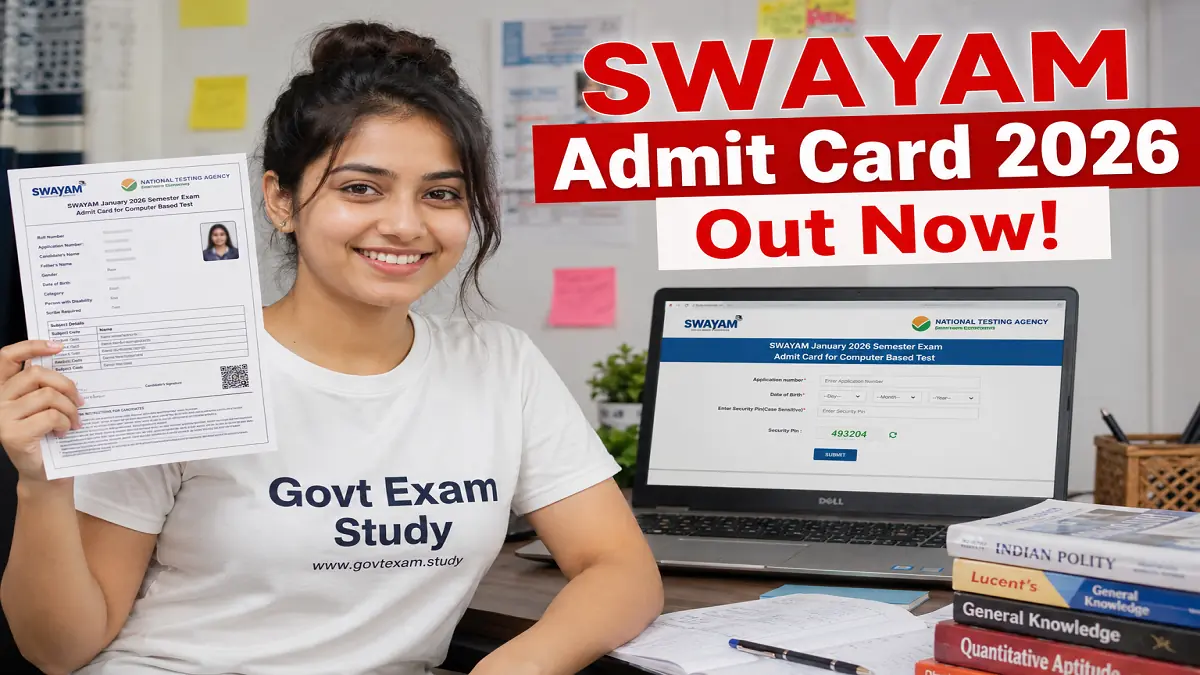
SWAYAM January 2026 Admit Card Released – Download NTA Hall Ticket at exams.nta.nic.in
Short Information: The National Testing Agency (NTA) has officially released the SWAYAM January 2026 Semester Admit Card on 12th June 2026. Candidates who have registered for the Study Webs of Active-Learning for Young Aspiring Minds (SWAYAM) Examination can now download their hall ticket from the official website. The SWAYAM exam 2026 is scheduled to be conducted from 17th June to 21st June 2026 in two shifts per day across 209 cities in India. Candidates can download their admit card and check all updates directly at www.govtexam.study.
SWAYAM January 2026 Admit Card – Complete Guide to Download Your NTA Hall Ticket
SWAYAM January 2026 Semester Admit Card 2026 – Overview & Direct Download Link
The National Testing Agency has successfully released the admit card for the SWAYAM January 2026 Semester Examination. This exam is being conducted for 900 different courses in both Computer Based Test (CBT) and Hybrid mode. Candidates who have enrolled in any SWAYAM course for the January 2026 semester must download their admit card before appearing for the exam. The admit card contains all the important details like exam date, shift timing, and exam center address. Below is the complete overview of the SWAYAM admit card 2026.
SWAYAM Admit Card 2026 – Overview
| Field | Details |
|---|---|
| Organization Name | National Testing Agency (NTA) |
| Exam Name | SWAYAM January 2026 Semester Examination |
| Post / Course Name | 900 SWAYAM Courses |
| Admit Card Status | Released on 12th June 2026 |
| Exam Date | 17th, 18th, 19th, 20th & 21st June 2026 |
| Official Website | https://exams.nta.nic.in/swayam/ |
Important Dates
Candidates should carefully check all the important dates related to the SWAYAM examination. Keeping track of these dates will help you avoid missing any deadline.
| Event | Date |
|---|---|
| Notification Release Date | 15th April 2026 |
| Application Start Date | 15th April 2026 |
| Application End Date | 13th May 2026 |
| Correction Window | 15th to 17th May 2026 |
| Admit Card Release Date | 12th June 2026 |
| Exam Date | 17th to 21st June 2026 |
Exam Center Instructions
Reaching the exam center fully prepared is very important. Follow these simple instructions to make sure you have a smooth experience on the exam day.
-
Carry a clear printed copy of your admit card. No digital or soft copy will be allowed inside the exam hall. Make sure to take at least two printouts.
-
Bring any one original government photo ID proof. You can carry your Aadhar Card, PAN Card, Driving License, Voter ID, or Passport. The name on your ID must exactly match the name on your admit card.
-
Report to the exam center at least two hours before your shift starts. The registration desk closes 30 minutes before the exam begins. Latecomers will not be allowed to enter under any circumstances.
-
Do not carry any prohibited items inside the exam center. This includes mobile phones, smartwatches, Bluetooth devices, calculators, books, notes, or any electronic gadget. Bags are also not allowed inside.
-
If you are a PwD or PwBD candidate, carry your original disability certificate issued by a competent authority. This is required to avail the benefits of scribe and compensatory time.
Details on SWAYAM Admit Card 2026
Once you download your admit card, carefully check all the details printed on it. If you find any mistake, contact the NTA helpdesk immediately. Here is what you will see on your admit card.
| Detail | Information |
|---|---|
| Candidate Name | Printed clearly on the admit card |
| Roll Number | Unique roll number assigned by NTA |
| Application Number | System generated number from registration |
| Exam Date | Specific date of your examination |
| Shift Timing | Shift 1 (9:30 AM to 12:30 PM) or Shift 2 (3:00 PM to 6:00 PM) |
| Exam Center Name | Name of the allotted exam center |
| Exam Center Address | Complete address with city and state |
| Course Name | The specific SWAYAM course you registered for |
| Photograph | Your uploaded passport size photograph |
| Signature | Your uploaded signature |
| Important Instructions | General guidelines for the exam day |
How to Download SWAYAM Admit Card 2026?
Downloading your SWAYAM admit card is very easy. Just follow these simple steps carefully. Make sure you have a stable internet connection before you start.
Step 1. Open your mobile or computer browser and go to the official NTA SWAYAM website at https://exams.nta.nic.in/swayam/.
Step 2. On the homepage, look for the link that says "Download Admit Card for SWAYAM January 2026 Semester Examination". Click on that link.
Step 3. You will be taken to a new login page. Here you need to enter your login credentials carefully.
Step 4. Enter your Application Number in the first box. This number was generated when you first registered for the exam.
Step 5. Enter your Password in the second box. This is the password you created during the registration process.
Step 6. Type the security code or captcha code exactly as shown on the screen. Make sure to enter it correctly.
Step 7. After filling all the details, click on the "Login" or "Submit" button. Wait for a few seconds while your admit card loads.
Step 8. Your SWAYAM admit card will appear on the screen. Check all the details like your name, photo, exam date, shift, and center address very carefully. If everything is correct, click on the download button to save the PDF file. Take at least two color printouts for future reference.
Important Links
| Link Description | Direct Access |
|---|---|
| Download Admit Card | Click Here to Download Admit Card |
| Download Information Bulletin | Click Here to Download Bulletin |
| Official Website | Click Here to Visit Site |
| Join Telegram Channel | Click Here to Join Telegram Channel for Latest Updates |
| Join WhatsApp Channel | Click Here to Join Whatsapp Channel |

Disclaimer: Although every effort has been made to provide accurate information, we are not responsible for any inadvertent errors.
(उम्मीदवारों को सलाह दी जाती है कि आवेदन करने से पहले आधिकारिक अधिसूचना को ध्यान से पढ़ें।)